
Claras gets a new look

The rebrand reflects who uses Claras. Financial advisers who take their work seriously and expect the tools they use to match that standard. Accessibility wasn't an afterthought; colour contrast, type legibility, and interface clarity were built in from the start. The result is an identity that's considered and confident without excluding anyone.
Client journey
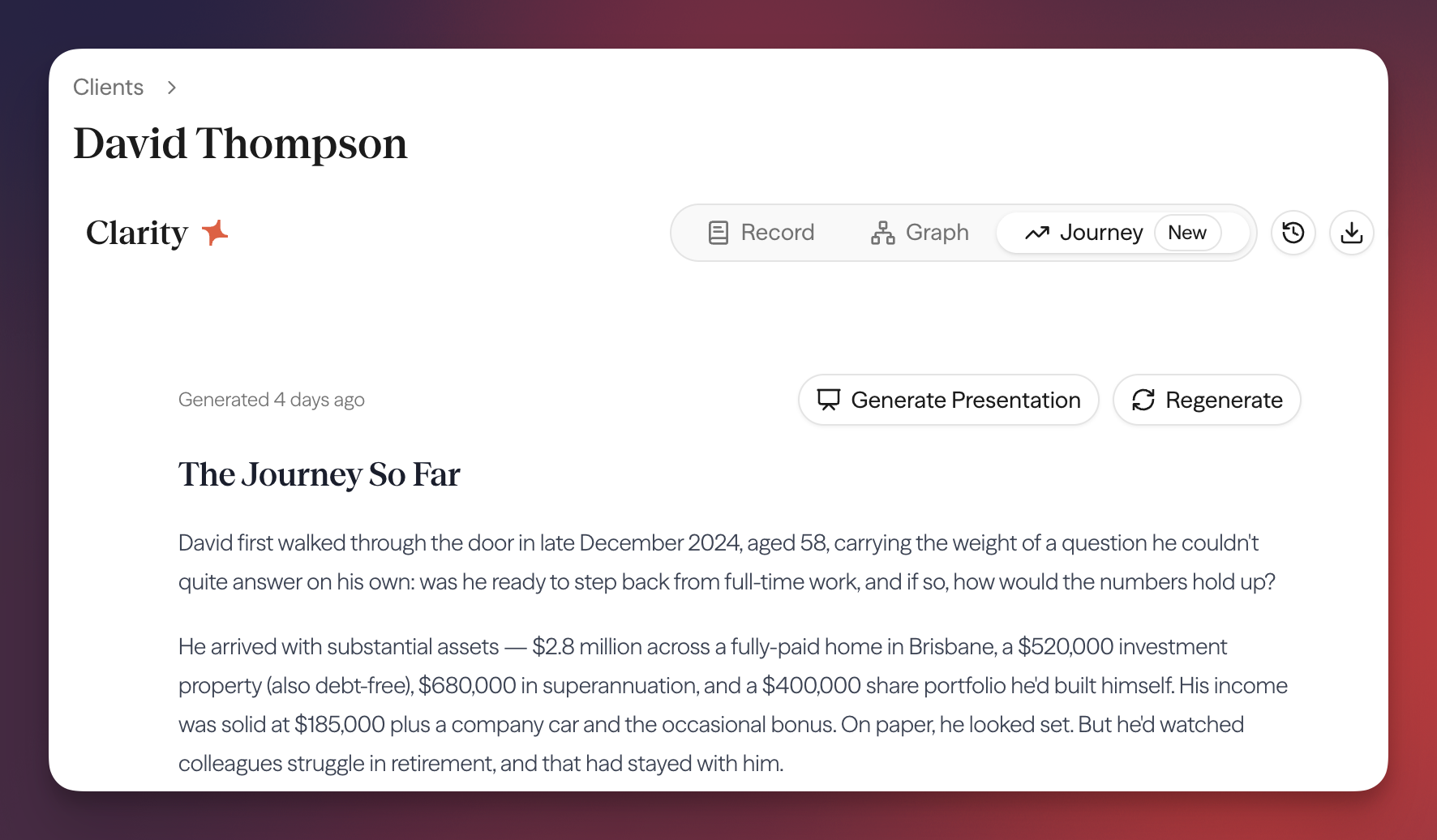
Preparing for a client meeting means knowing where the relationship stands, and how to communicate the value you're delivering. The new client journey view generates a narrative of a client's full history - meetings, documents, and key events - in a single read. Open it from the client page before any meeting to get the context you need without digging through individual records.
Smarter document templates
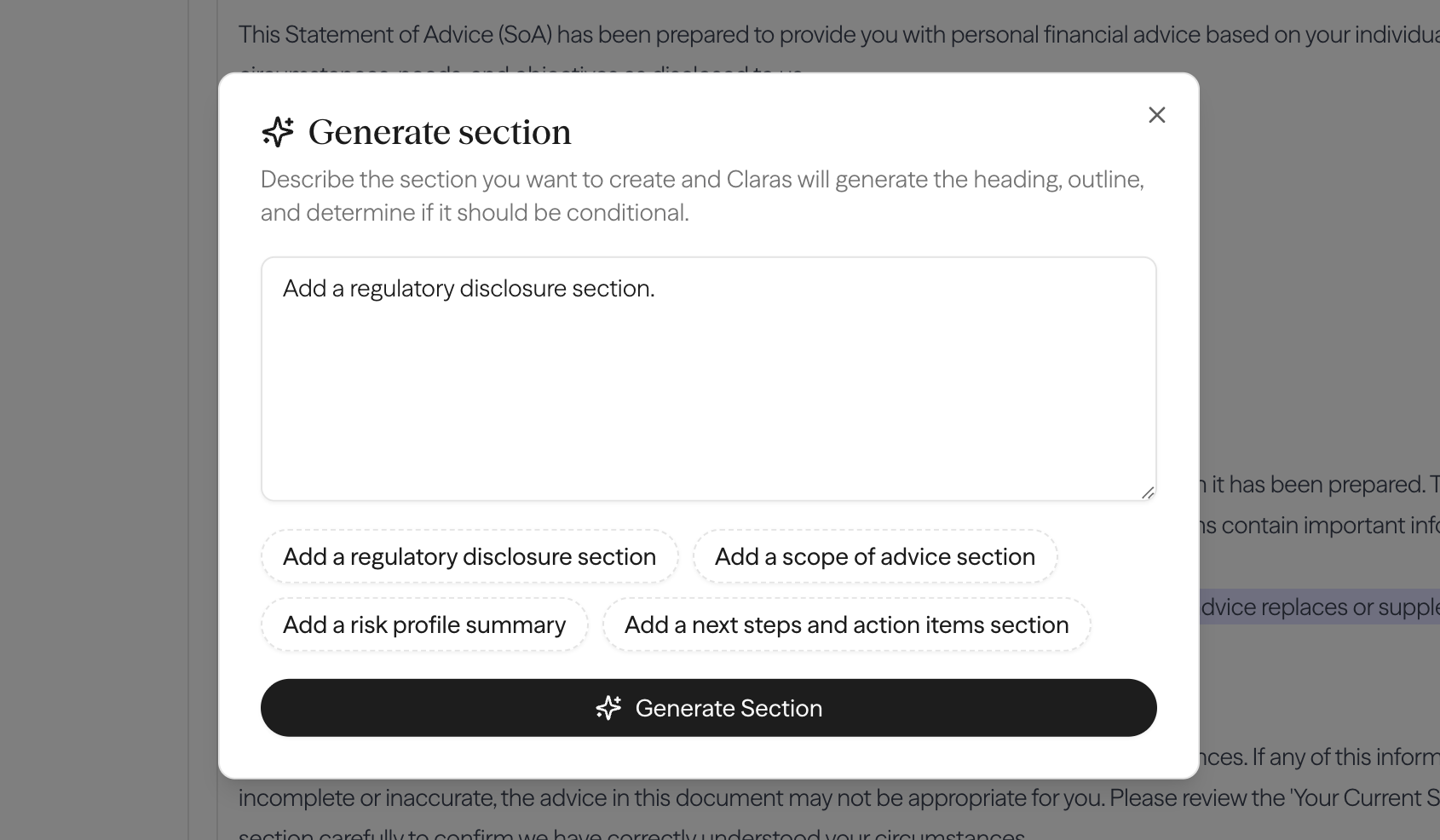
Building a document template used to mean writing from scratch or working section by section in the editor. The AI template improver changes that. Describe what you want a section to do in plain language, and Claras will build it out and refine it with you.
This release also brings a few smaller improvements to your workflow: meeting dates are now inserted automatically from recordings, you can copy content from any document with a single click, and presentations generated from documents are more polished out of the box.
Import and merge clients
You can now bulk-import clients from a CSV file, with duplicate detection built in. Where Claras identifies a likely match with an existing client, you can review and merge the records rather than creating a duplicate. Bringing data across from another system or a spreadsheet no longer means a messy clean-up afterwards.
You'll see the import button at the top of the Clients page.
Documents generate in the background
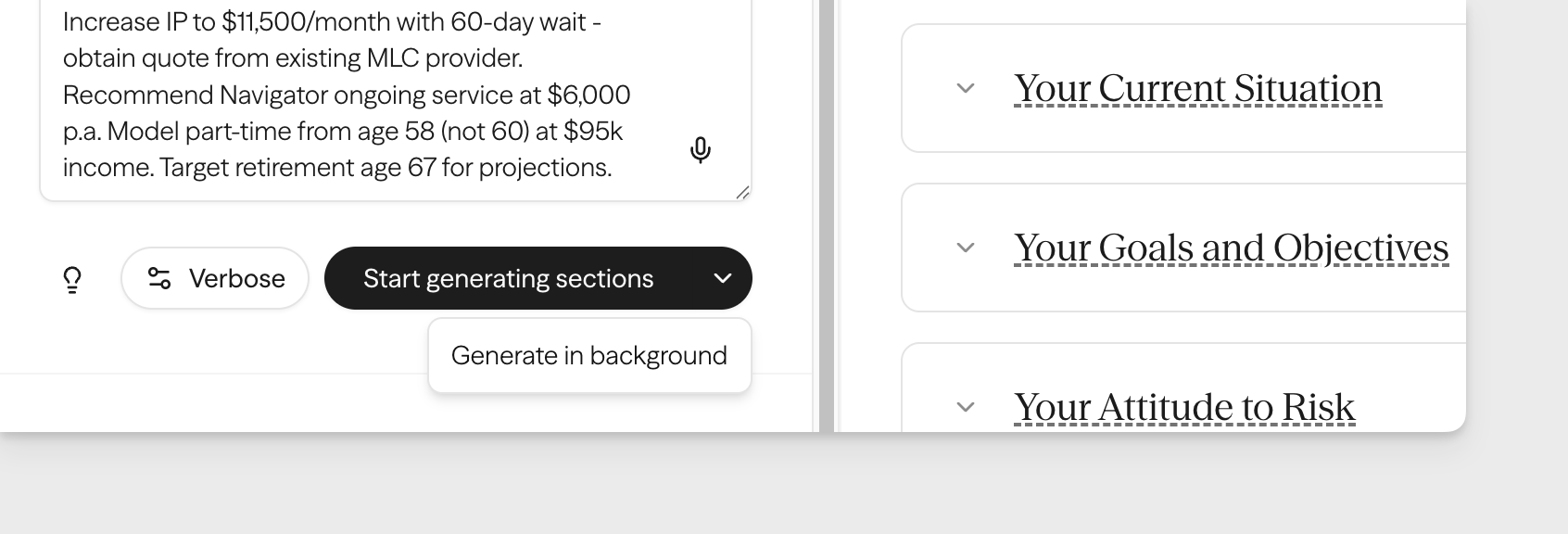
Document generation no longer holds up your screen. Start a document and keep working. For longer documents drawing on multiple meetings and attachments, this makes a meaningful difference to how the workflow feels.
Redaction is now opt-in
When Claras processes a meeting, it redacts any PII before sending the transcript to AI - replacing names and identifying details with temporary placeholders. This protects client privacy, but those placeholders don't always get swapped back correctly, which can surface generic or incorrect names in your file notes.
Redaction is now opt-in so you can decide what's right for your practice. Turning it off minimises the naming issue while still keeping your data secure. Find the setting under Settings → General.
Improvements
- Practices using identity providers beyond Microsoft can now connect additional SSO providers.
- Finalised meetings are now locked from editing. Revert to processed from the three dot menu if you need to make changes.
- You can now copy documents directly to your clipboard, formatted for pasting into Word, Outlook, or your CRM.
 Connor Disselkoen