
Document reviews
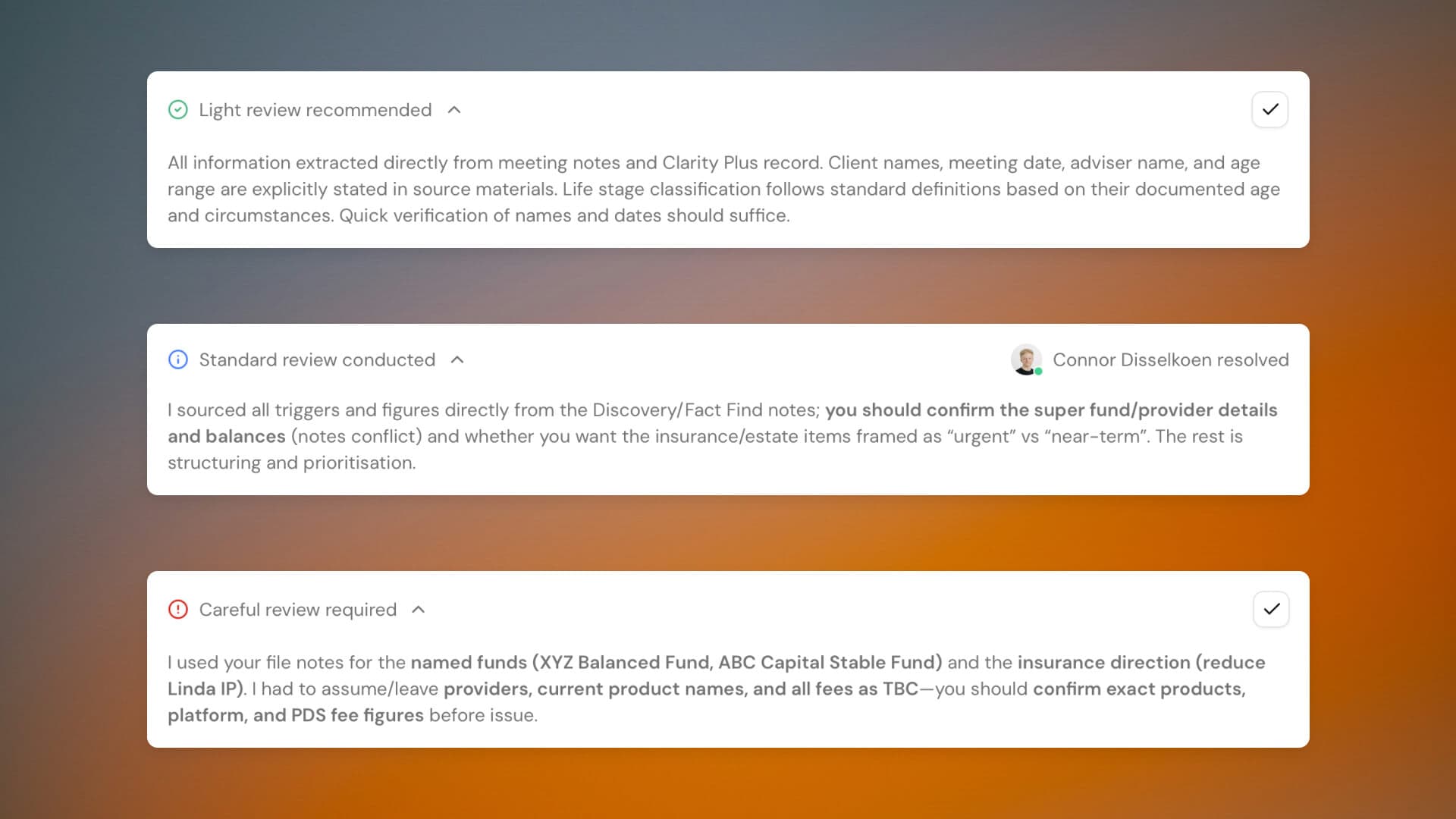
Documents just got a significant upgrade. Four changes that make the whole workflow faster and give you more control over the output.
Each generated section now shows a suggested review level: light, standard, or careful. Claras explains what came directly from your materials versus what required interpretation, so you know exactly where to focus your attention. Mark sections as resolved to create an audit trail of who checked what.
The instructions field is now called the Brief, and you can generate and iterate on it with Claras. Click Generate Brief and Claras will analyse your selected materials to build a starting point. If it asks clarifying questions, answer them and regenerate. If it misunderstands something, push back or edit directly. Keep iterating until you're confident Claras understands the direction before moving on.
A new dropdown next to the generate button lets you switch between Verbose (the current default) and Concise mode. Same template, shorter output. If you've found document sections too detailed for your needs, give it a try.
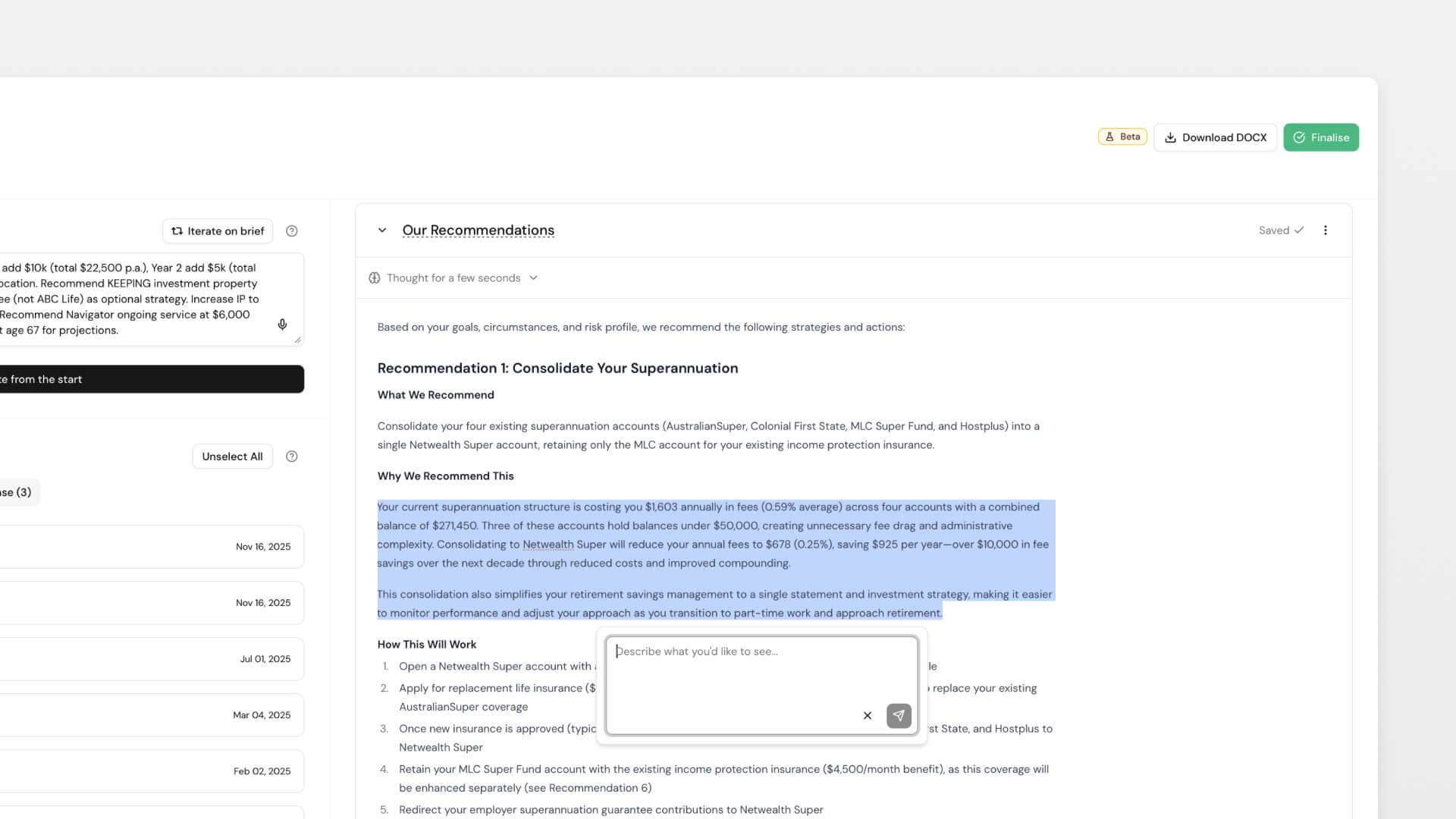
You can now edit and refine sections directly in Claras, just like file notes. Select any text, give Claras instructions, preview the change, then accept or discard. No more exporting to Word for minor adjustments or regenerating entire sections for small fixes.
More reliable attachments
We've substantially improved how Claras processes your uploads.
PDFs now maintain their formatting and tables properly. Complex documents with charts and graphs that previously failed now process correctly. Large attachments show a summary tab for quick reference alongside the full content. And when attachments fail, the error messages are more explicit about what went wrong and how you can fix it.
Claras now extracts content from images. Screenshots, scanned documents, and photos are converted to text you can review in the attachment viewer.
We've also added a small quality-of-life improvement: if you upload something like a research report or modelling output from the client page (rather than the document page), Claras will recognise it from the filename and skip updating Clarity Plus. This keeps your client intelligence focused on finalised information. When in doubt, Claras still updates as normal.
New templates
- Minimal Statement of Advice - Meets all legal requirements under the Corporations Act while staying clear and brief. Use it when a full comprehensive SoA would be unnecessarily detailed for the scope of advice.
Find it in Templates → Document → Browse Library.
Improvements
- Finalised meetings are now locked from editing. Revert to processed from the three dot menu if you need to make changes.
- Claras is clearer in file notes about when a meeting happened versus when the file note is being created
- Tables in generated documents now format more reliably
- Users who have signed up but haven't created a practice can now be invited directly into yours
 Connor Disselkoen